Dendrofile · how it works
How Dendrofile works, in the field and offline
A tree inventory app for the person who writes the report: one card per tree, on the client's own site plan, with no signal needed.
Three steps, from the real app
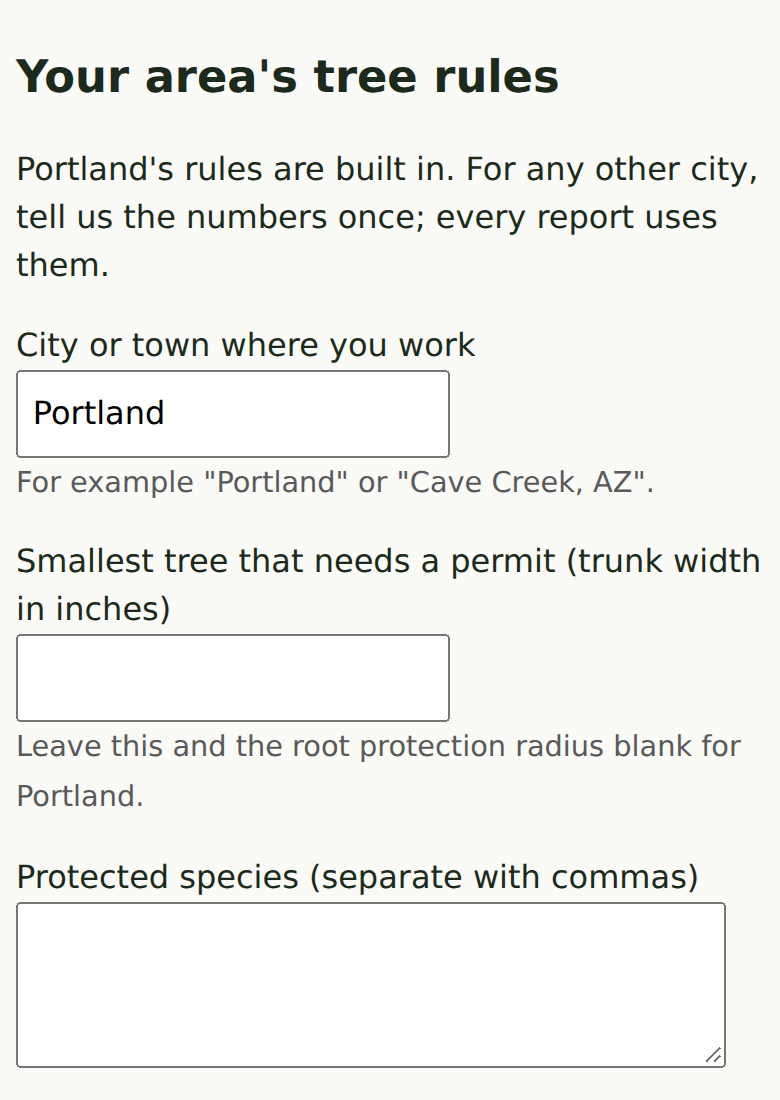
Your city's tree rules, once 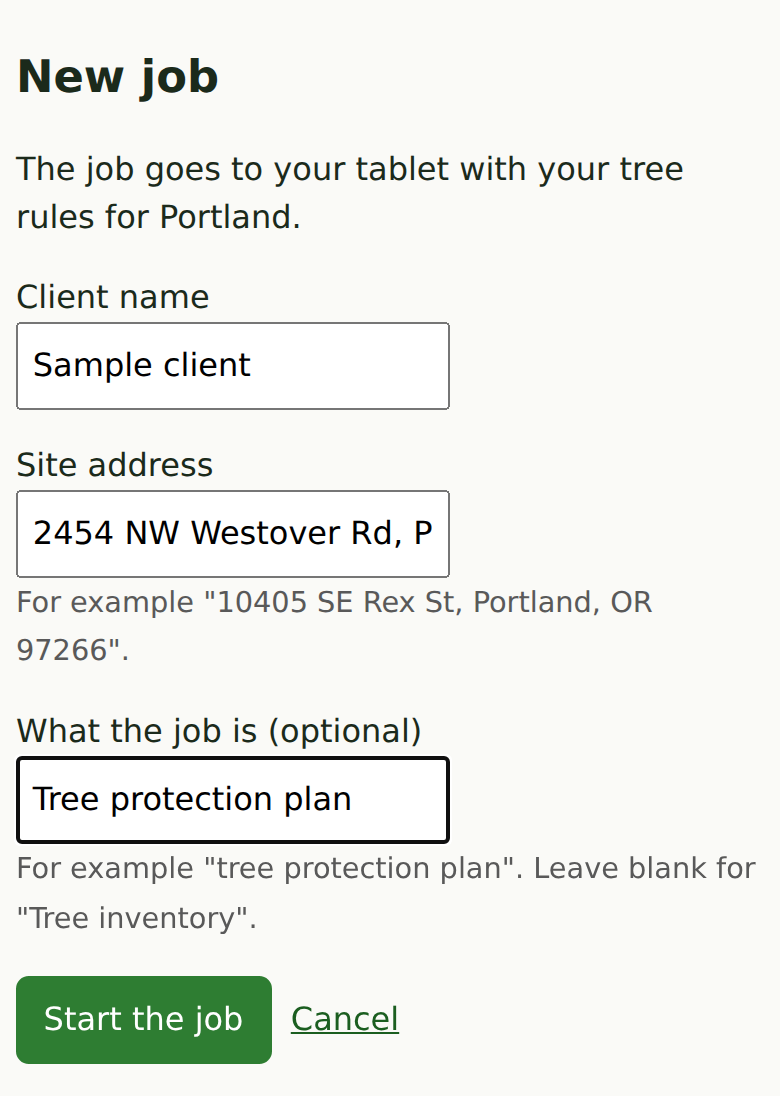
Start the job 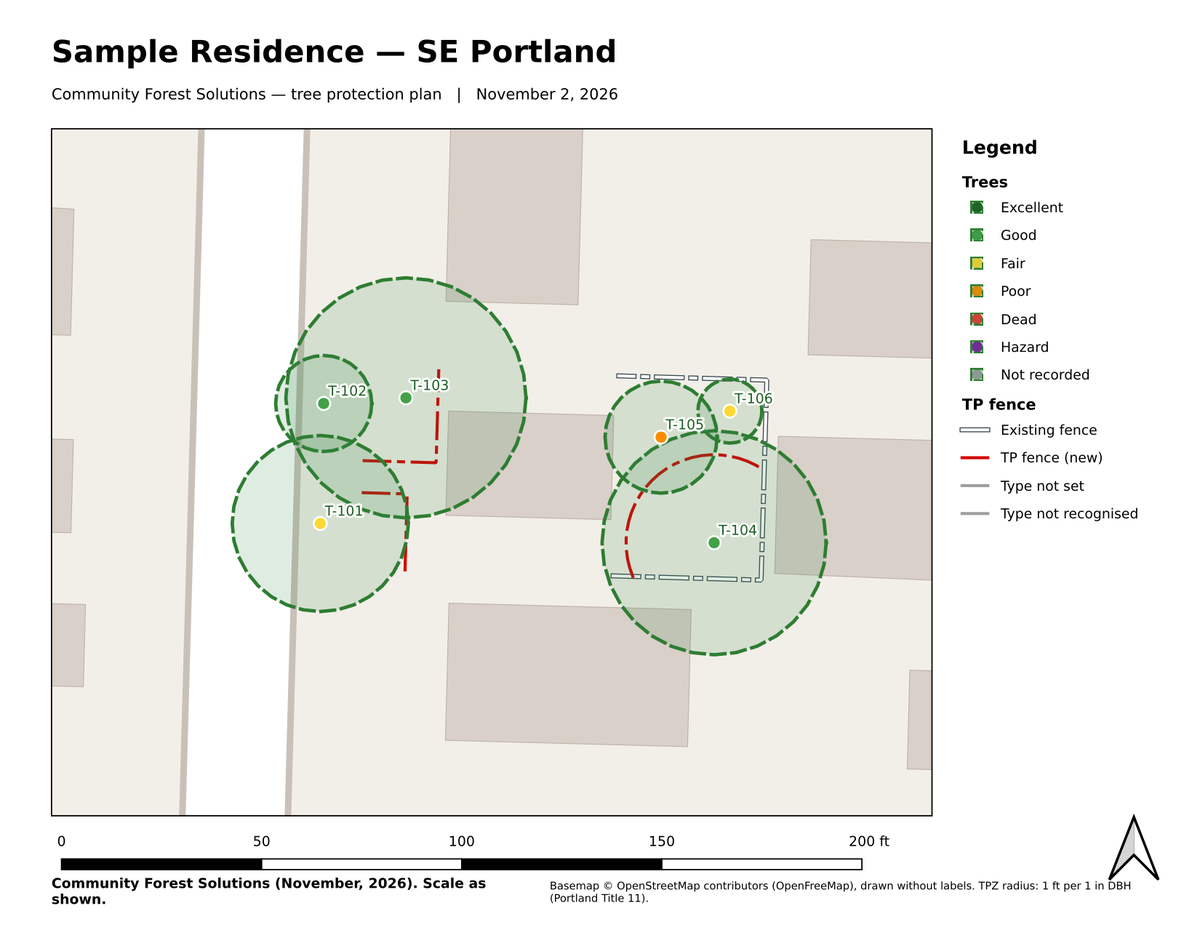
Open the drafted map. Sample data, not a real site.
Screens from the app, with sample data.
The job comes with you
Before you leave, Dendrofile packs the job: the client's site plan laid over the aerial photo, and the list of trees already on file. Offline here means the whole job, not a cached screen. Collecting a tree needs no connection, and neither does opening a card, editing a species or changing a diameter.
One card for each tree
Tap where the tree stands on the plan, and a card opens. Fill in what you can reach: species, trunk diameter, condition and notes. Every field is optional. If a tree is out of reach, leave a field blank and move on. Species, diameter and condition remember what you entered last, so a row of similar trees takes a few taps each.
Species by either name
Type the common name or the scientific name and the other fills in. The species list belongs to you and you can edit it, so the names on the report are the names you use.
No GPS needed under the canopy
Trees are placed by tapping the plan, not by waiting for a GPS fix. That works beside buildings and under dense canopy, where a phone's position drifts.
Bring it home in one step
When you are back in range, one step sends the day's trees to your account. You do not reconcile files or copy from one place to another. The trees go into the same record as every other job you have collected.
Every tree in one place, every change undoable
Trees you collect on every job are kept together in one record. Changes can be rolled back, so a mis-tap on site or a wrong edit at the desk does not lose the tree. Your trees stay apart from other arborists' trees.
Why offline matters for a consulting arborist
A consulting arborist is paid for a report, and the report is only as good as the field data. Losing a morning's trees to a dropped connection means a return trip. A tool that waits on a signal makes you choose between the site and the software. Dendrofile lets you stay on the site.
What you need
- A Windows laptop or tablet, or an iPad, iPhone or Android tablet with QField, the free field app.
- The job opened once on a connection, so the plan and aerial are packed to the device.
- A connection again, later, to bring the trees home.
Next: how the report draft is made.